
Validation tools help you find incomplete records and prepare cleaner campaign input without changing Telegram’s own availability rules.
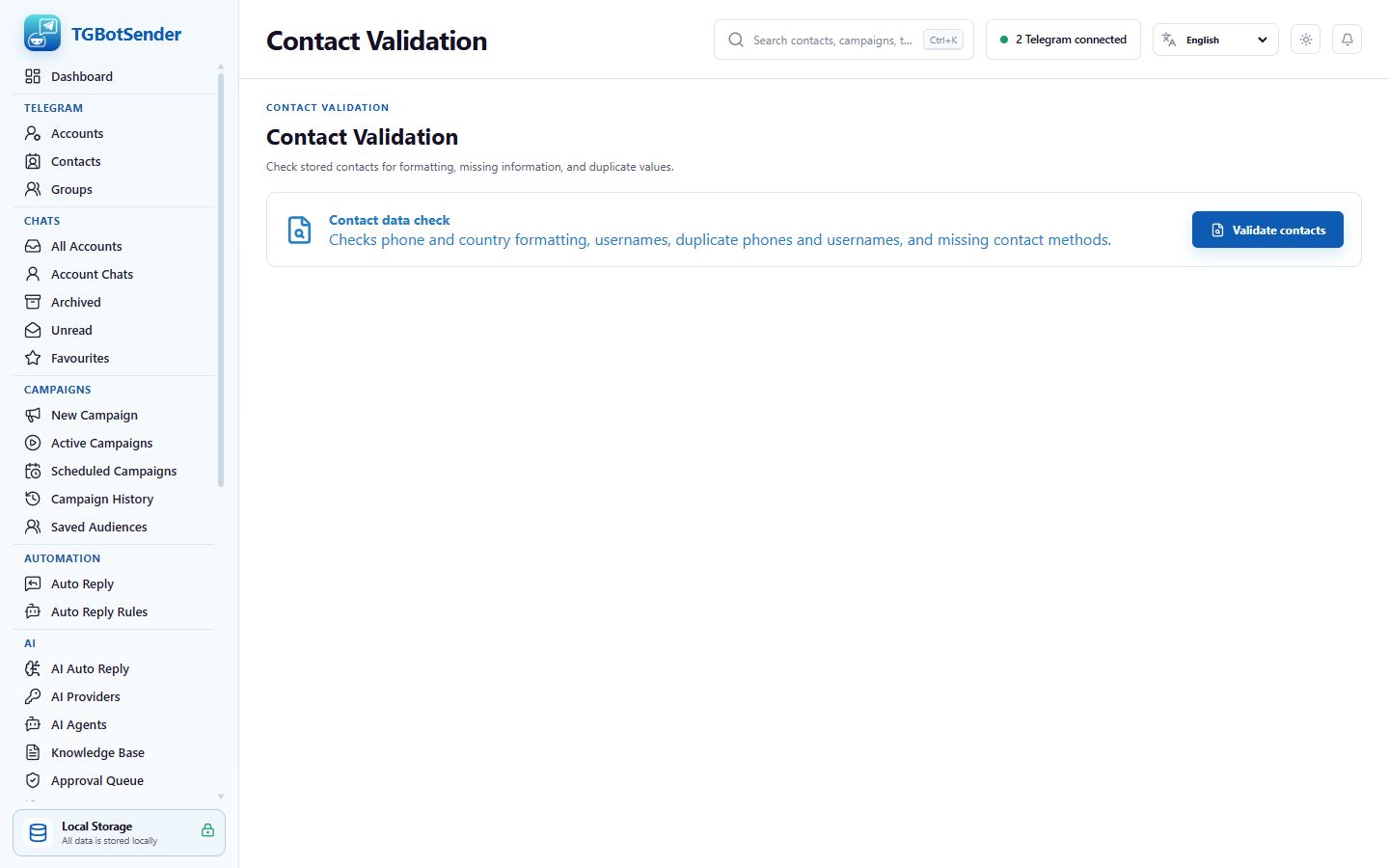
Contact Validation
- Open Tools → Contact Validation.
- Choose the records or file to inspect.
- Review missing names, identifiers, malformed phone values, duplicate-looking records, and other reported issues.
- Correct the source record and validate again before using it in an audience.
Contact Validation screen
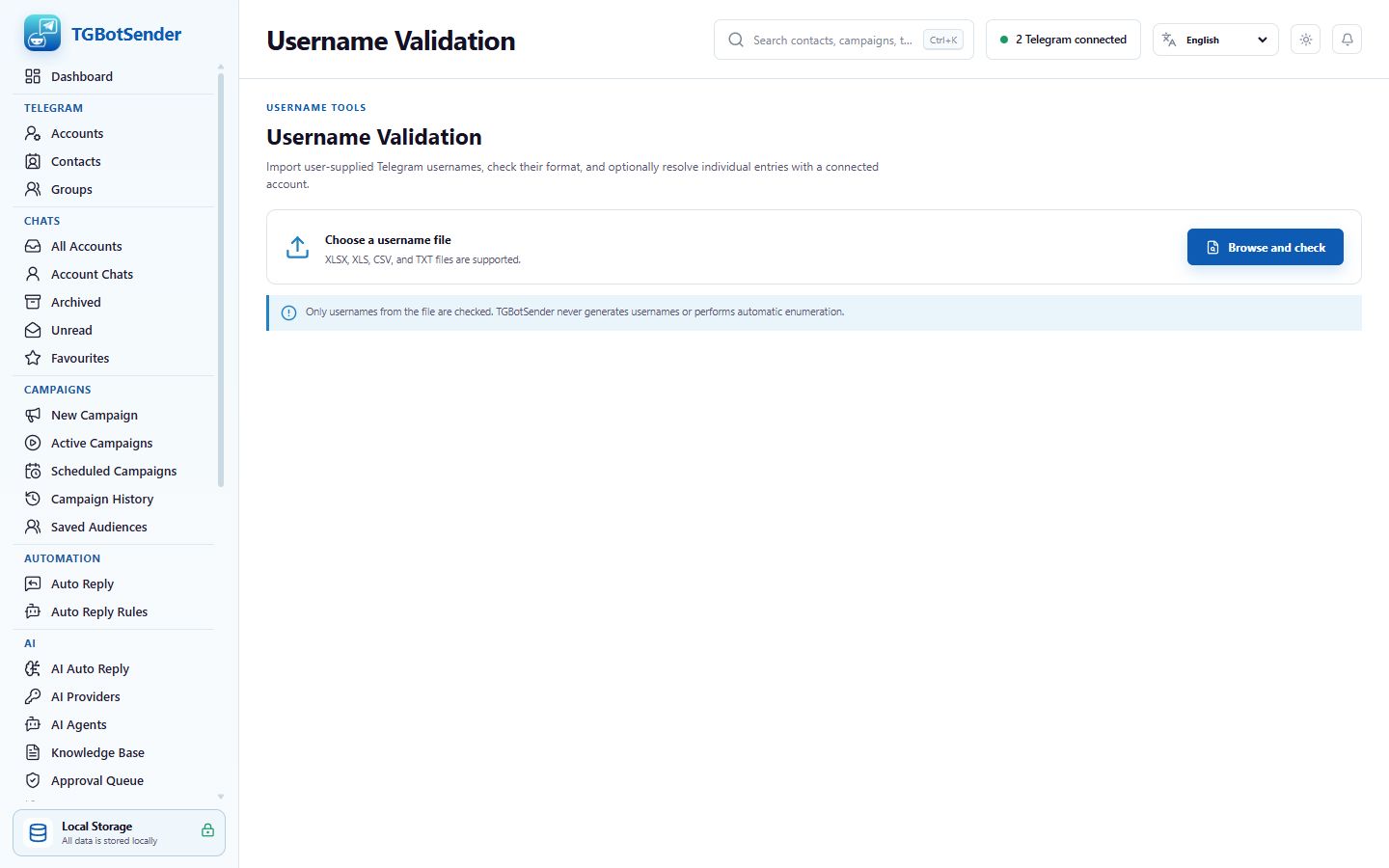
Username Validation
- Open Tools → Username Validation.
- Paste usernames or upload the supported list.
- Choose a connected Telegram account and run validation.
- Review valid, invalid, unresolved, and rate-limited outcomes before exporting or starting a campaign.
Username Validation screen
Important
A valid format does not guarantee that Telegram will allow a message. Account access, privacy, permissions, recipient state, and Telegram limits still apply.